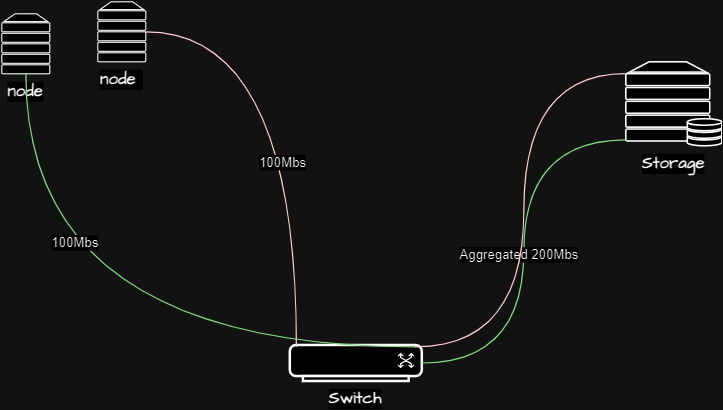
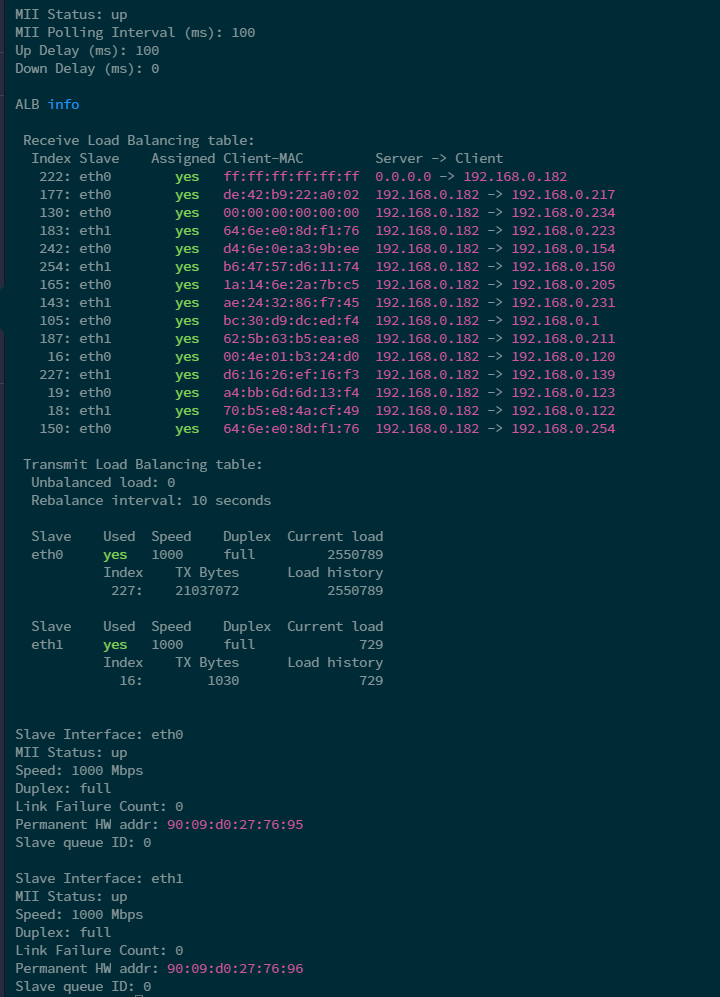
Network Interface Card (NIC) bonding in Linux offers several advantages, particularly in scenarios where high availability and improved network performance are crucial. One significant benefit is enhanced bandwidth and load balancing.
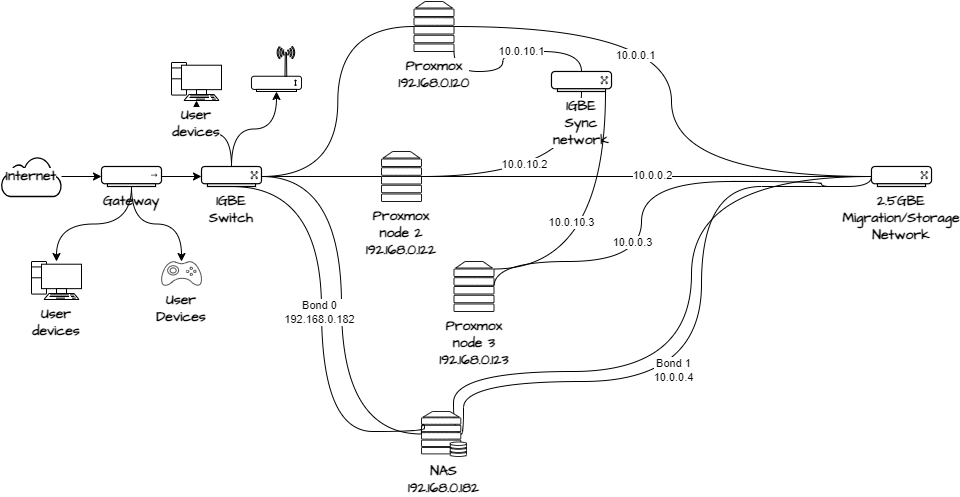
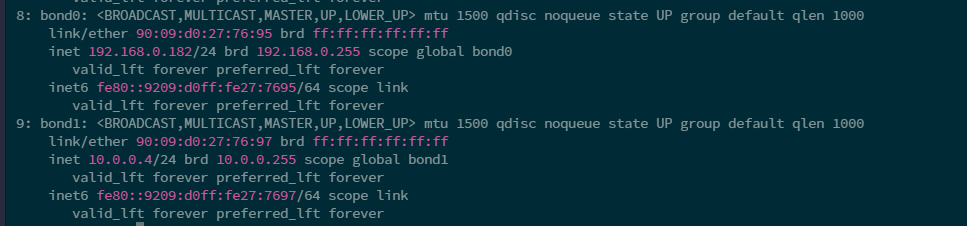
In my home lab I had some issues with multiple backups at the same time, as the NFS shares were reaching their limit. I combined multiple NICs into a bonded interface, so during network-heavy operations the traffic could be distributed across these interfaces, preventing bottlenecks and optimizing overall data throughput. I did this for multiple networks so the NAS can serve the proxmox hosts and seperately run migrations/backups on a seperate NFS share and network.
Moreover, NIC bonding provides fault tolerance; if one NIC fails, the bonded interface can seamlessly switch to the functioning NIC, ensuring continuous network connectivity.
This will not be able to create speeds higher than your network allows to one host but can reach maximum for each network device on multiple devices.
To set it up on rocky/debian you can edit the below file to add the bonding options
and then in the below networks you require to bond, set slave to yes and point the master to bond0 as defined in the above. In this example I would add to eth0, eth1 and so forth.