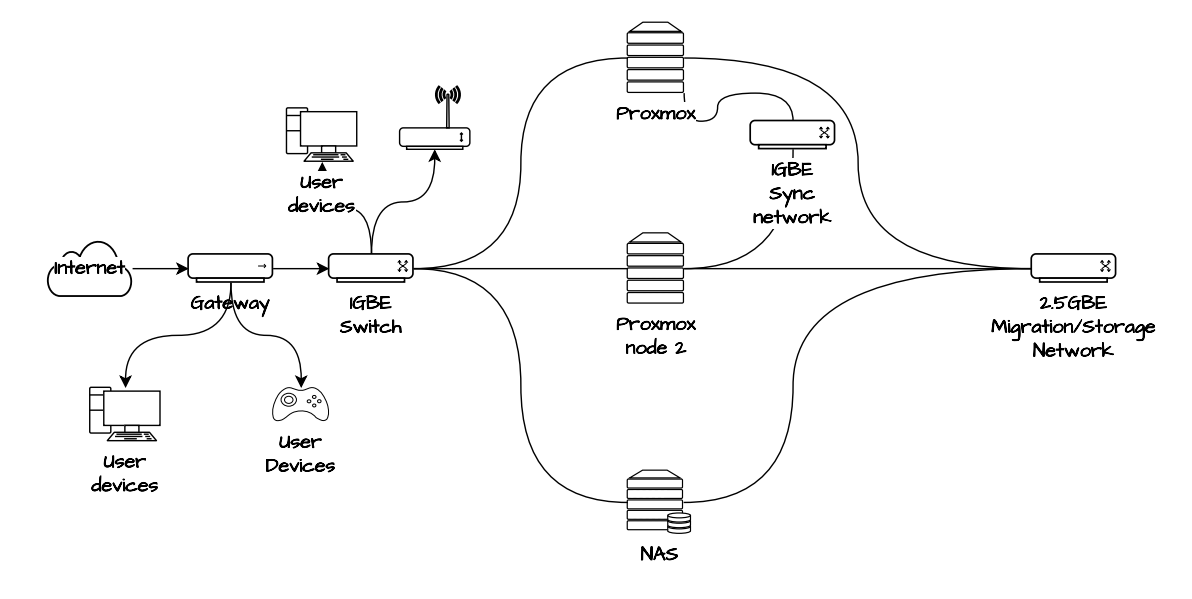
In this post I will document for my own personal information adding a Dell Optiplex 7080 Micro node to my existing Proxmox cluster. The plan is to have a few separate networks, defined on each host and using unmanaged switches for those networks: one dedicated 1GB for the corosync process for clustering the nodes which requires low latency, one for 2.5GB for migration of VM’s on the clusters which requires more bandwidth for faster transfers. Another will be connected to the gateway. The NAS can be connected on a 10GB port of the switch sometime in the future.
This is a bit of an experiment and admitted janky setup using multiple USB to 2.5GBE and 1GBE ethernet cables for the extra NICs on the nodes.
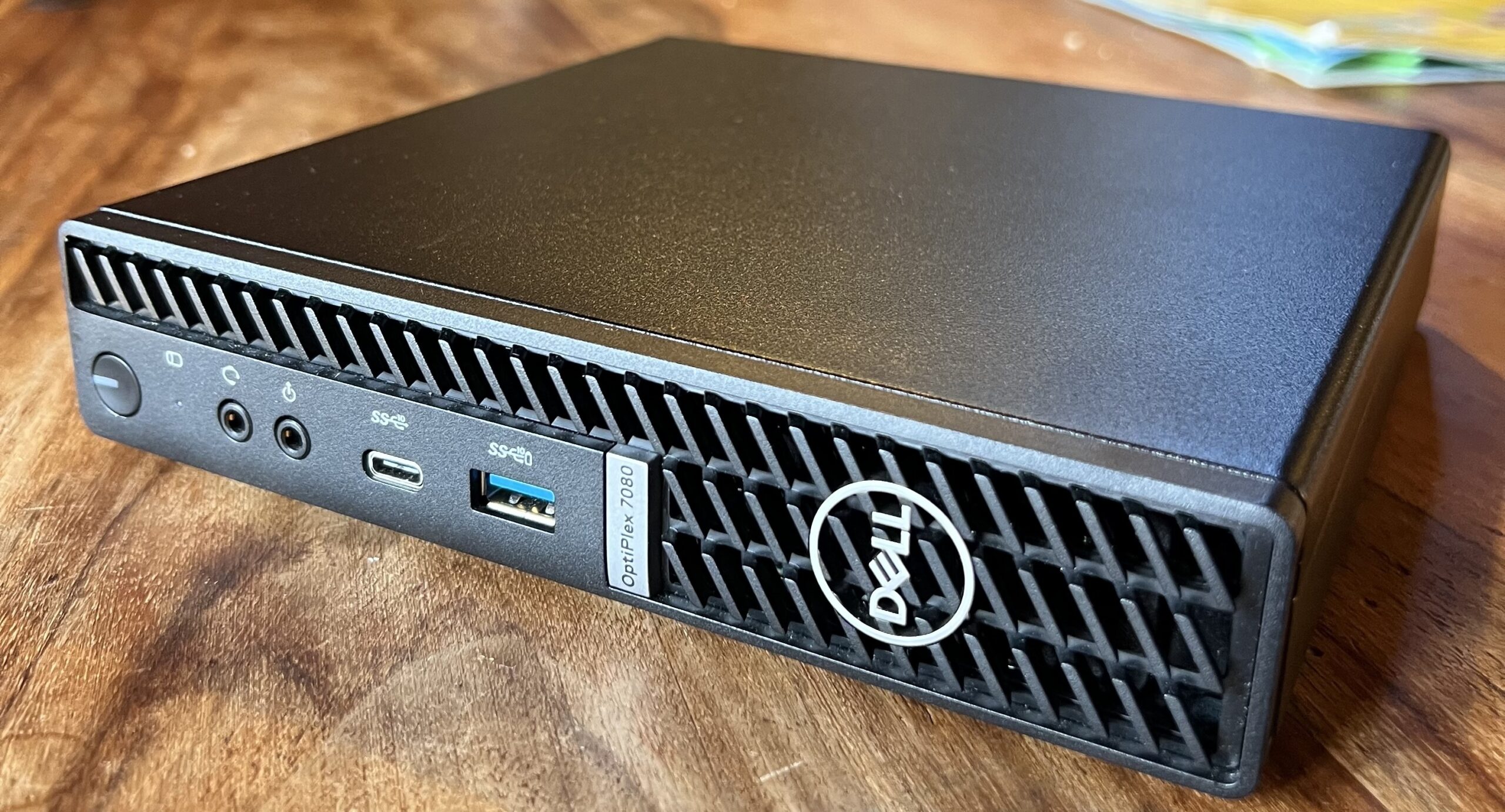
I already have one proxmox node setup on a Optiplex 3070. This is low power, has barely any moving parts (good for long time usage) and is cheapish, quiet and does not take up much room. One other thing that is good about these mini computers is that the hardware is easy to upgrade.
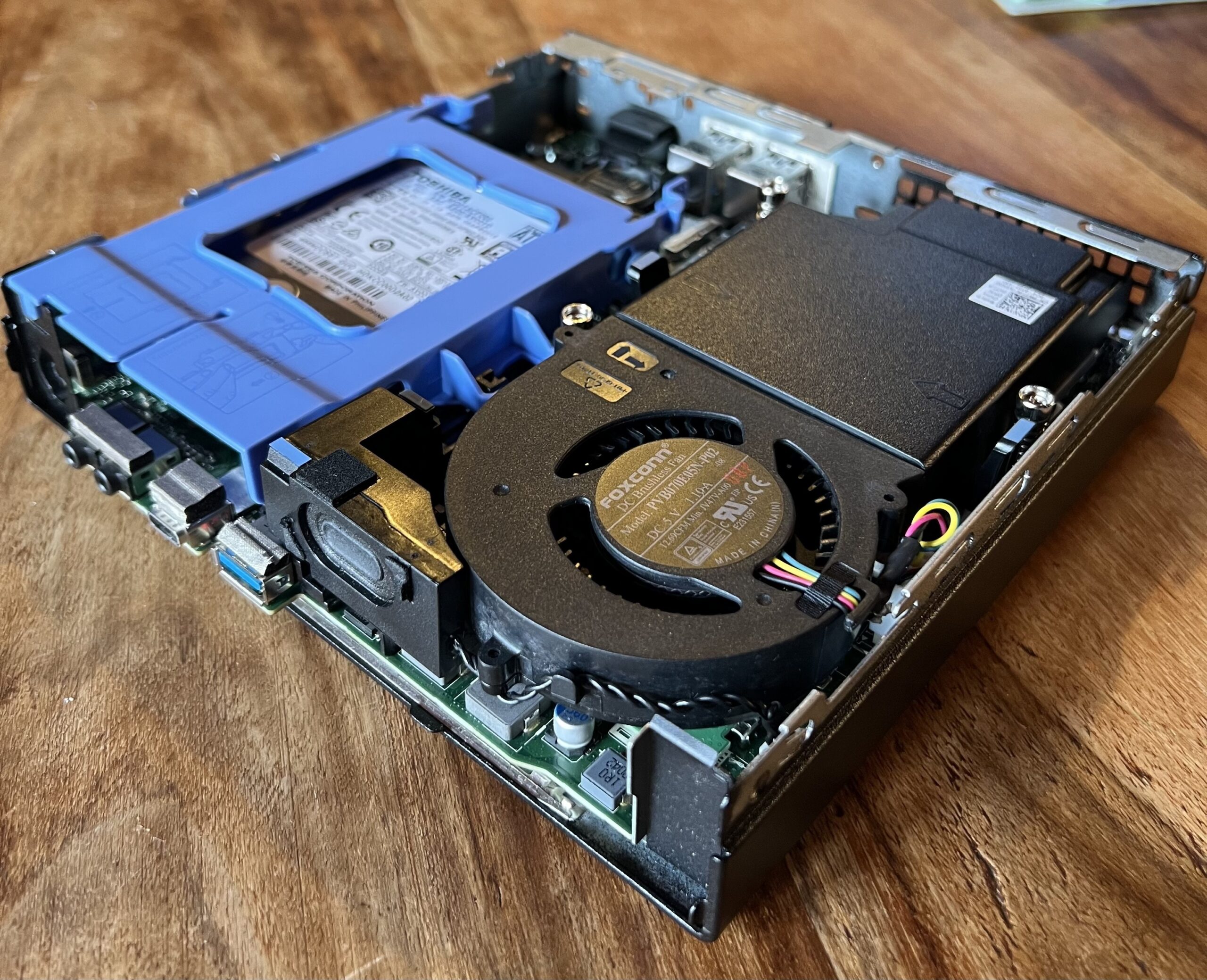
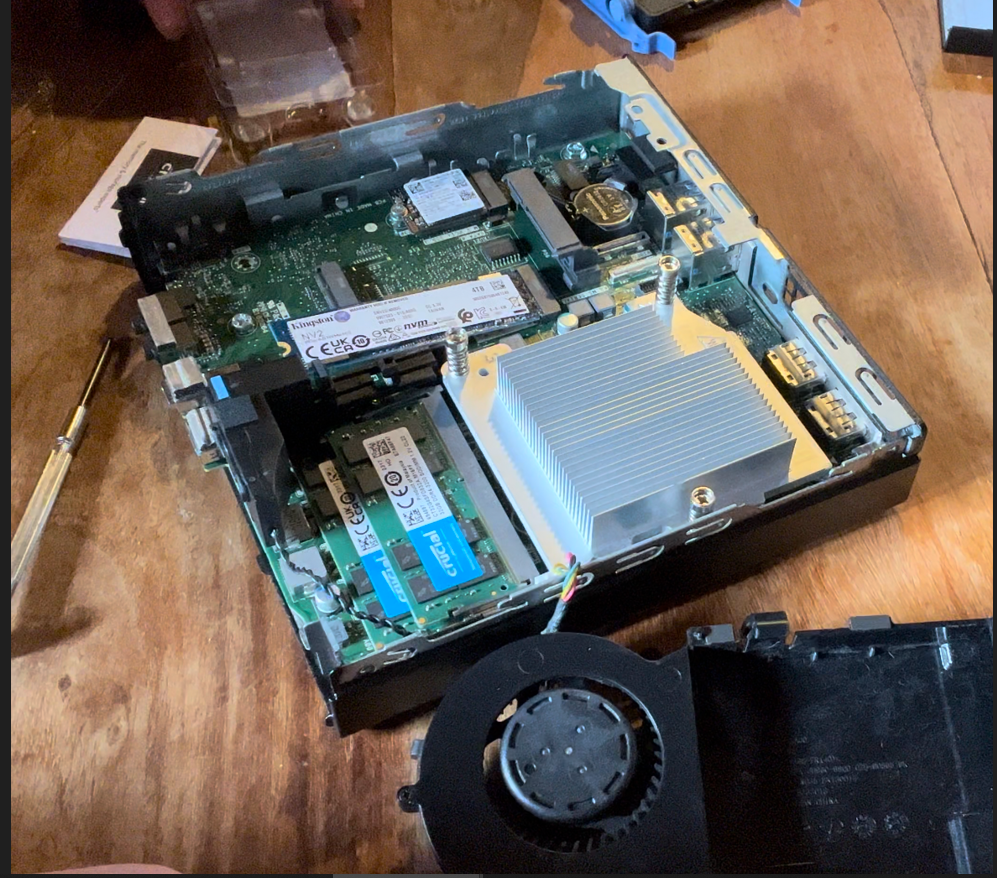
The small black fan pops right out and the RAM can be added. The blue drive caddy is also very easy to remove, and reveals a nvme drive underneath as well as housing the 2.5 SSD.
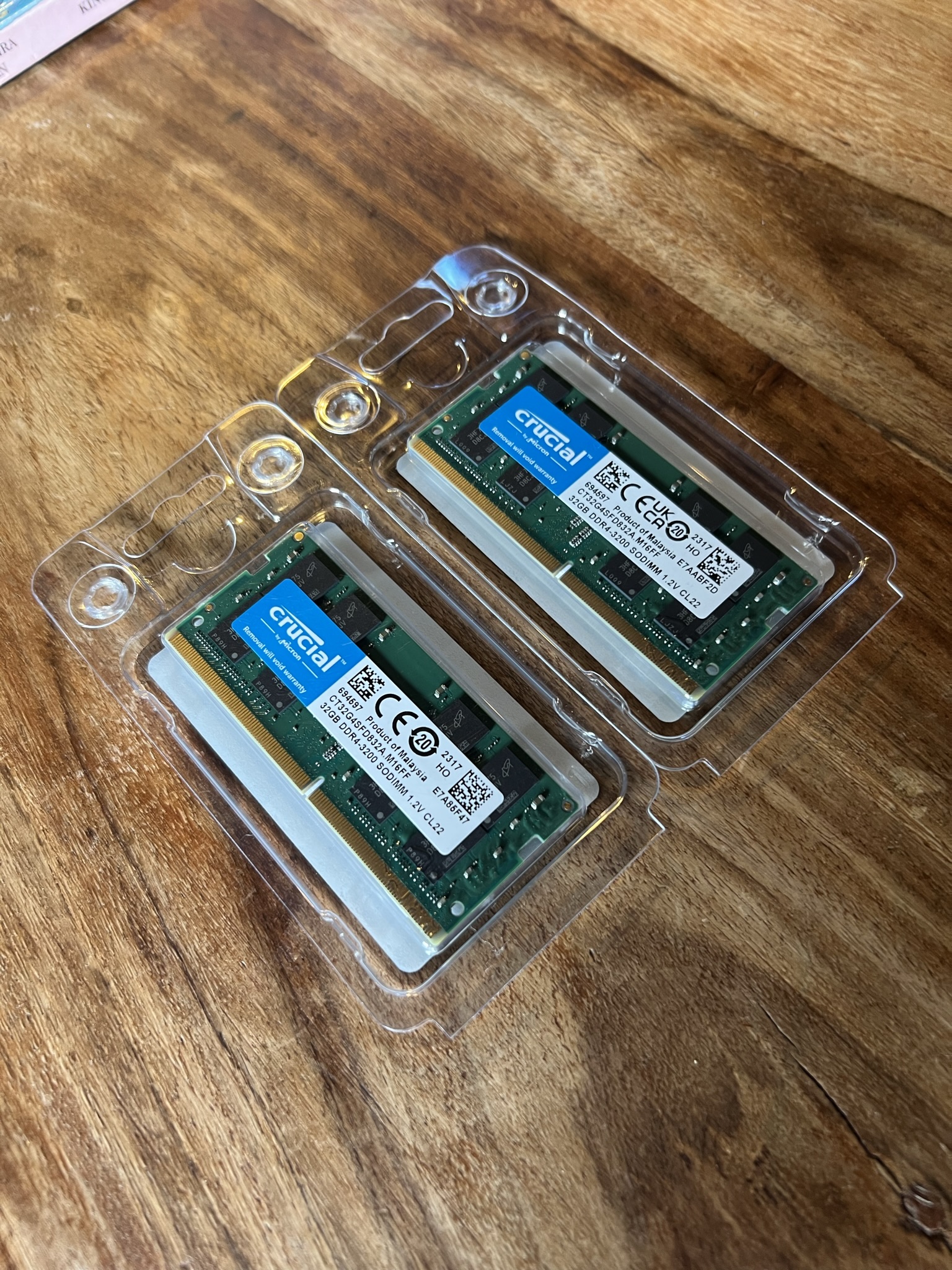
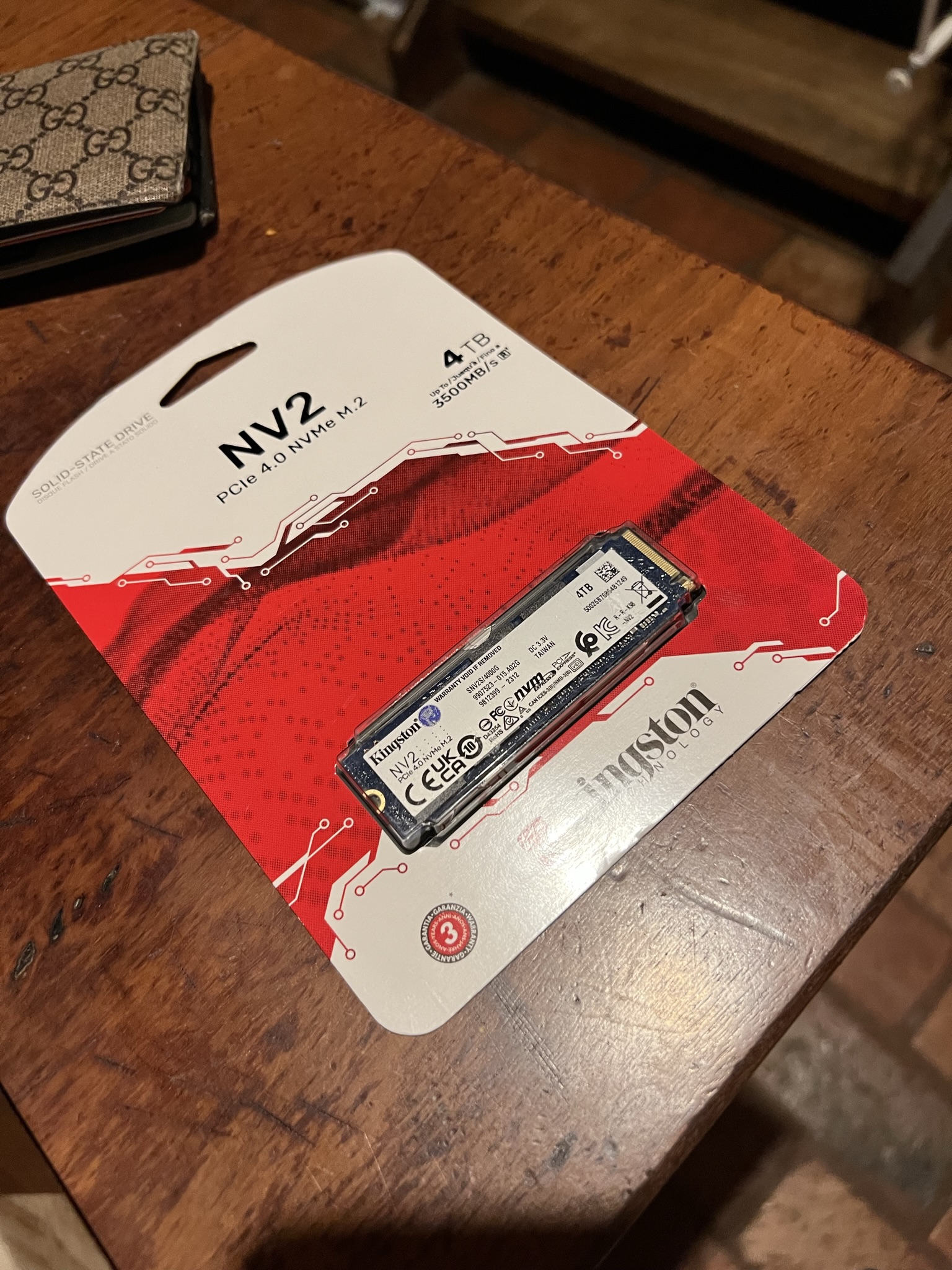
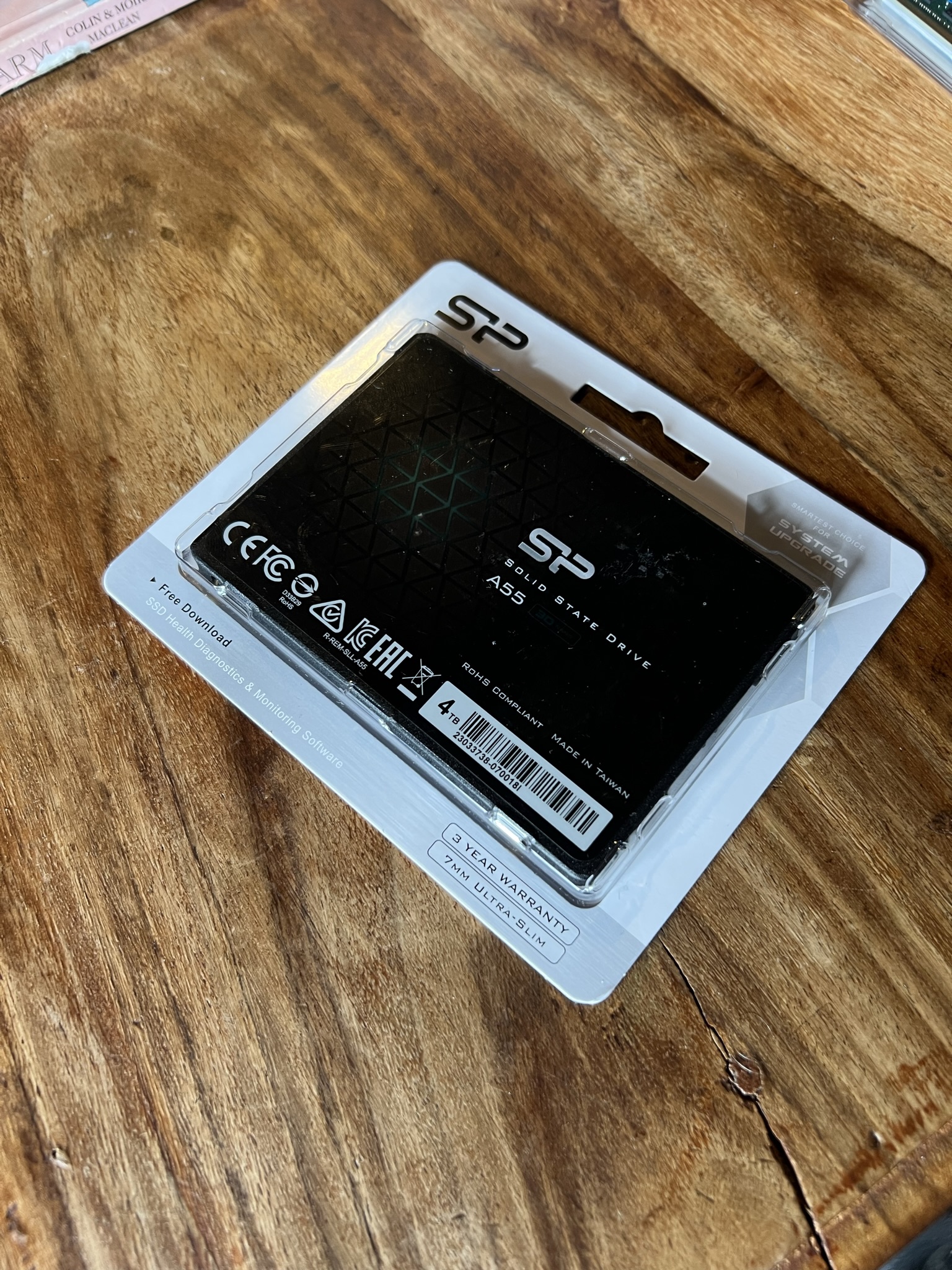
For this node I added some extra storage and resources. 64GB of SODIMM RAM, a 4TB nvme drive and a 4TB 2.5 SSD. There is a m.2 256GB drive which I will install Proxmox OS on.
There is now 2x 4TB drives which will be use local storage for the VM HDDs, and 64GB of RAM for multiple VM’s. At some stage I can setup a number of k8 nodes in the future.
Now the hardware of this node is sorted, its time to install the hypervisor. My current node has proxmox 7.4 so I have put this ISO on a USB and will install it onto the machine in part2.